BART SMITH OFFICIAL WEBSITE • AUTHOR • YOUTUBER • COOKIE BAKER • COOKBOOK CHEF • FUTURES TRADER


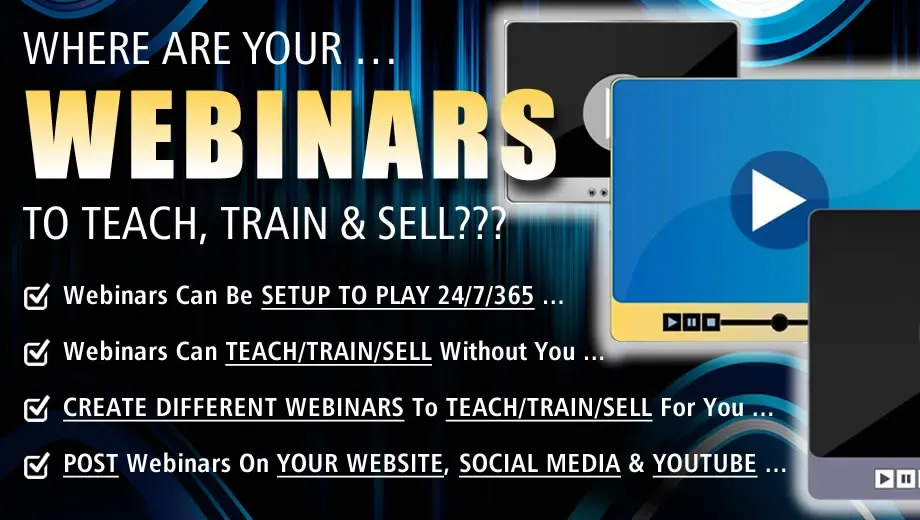
Where Are Your Webinars To Teach, Train & Sell For You?
by Bart Smith
What is a webinar?
Webinars are “seminars” that are created to play on the Web. They can run anywhere between 15 minutes and 5 hours in length. It’s all up to you as to how long they’ll run and what you’ll talk about in them.
What can you use webinars for?
You can use webinars for lead generation, live product demonstrations, customer onboarding, building brand authority, and monetizing online education.
How do you conduct a webinar?
For starters, you can use any combination of the following software tools to create a webinar:
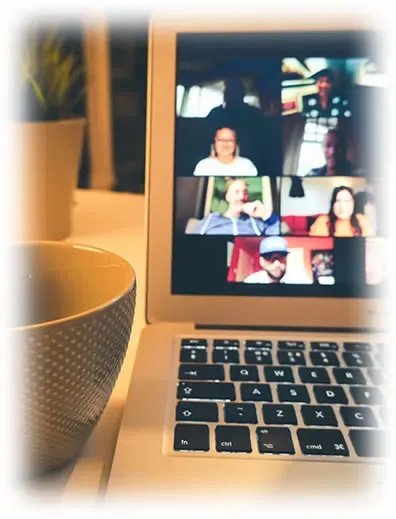
Webinar software, such as, Zoom, FreeConferenceCall, WebinarJam, WebinarNinja, EasyWebinar, etc.
Slides, if you'd like to use them in your webinar, which you can create in either PowerPoint or Google Slides.
Video recording equipment, such as a microphone and a webcam.
Screen capture software, such as Movavi, Screencast-o-matic.com or Loom.com. I like to create my own pre-recorded webinars with Movavi.
What is a good format for creating a webinar?
When I create my webinars, I like to follow this simple format:
SLIDE #1: Title Page Slide
SLIDE #2: Presenter Bio Slide
SLIDE #3: State The Problem/Challenge
SLIDE #4: State The Solution
SLIDES #5-10: Describe your solution through a number of slides.
SLIDE #11: Testimonials (Show 3-10 people who loved your solution.)
SLIDE #12: FAQ’s (Answer 5-10 questions prospects might have while watching your webinar.)
SLIDE #13: How To Order (Show them how much it costs to order and how to order.)
SLIDE #14: Bonuses (If you have them, share them now.)
SLIDE #15: How To Order (Repeat this step.)
What do you do with your webinar once it’s created?
Once you have your webinar created, PROMOTE IT!
Announce your webinar to your list and conduct your webinar live!
You can also post your webinar to your website and let people view it on their own time!
Post it on your social media accounts and on YouTube for the world to watch, learn and take action!
Run ads on YouTube and social media to promote the webinar and get prospects to opt-in to your list and watch it!
Update your webinar from time-to-time with different offers/bonuses/training material.
What's a sample (pre-recorded) webinar?
Check out this sample webinar:

Attending other creators' webinars is a crucial stepping stone to hosting your own, as it allows you to analyze different presentation styles, pacing, and audience engagement strategies in real time. By observing how experienced hosts transition from free value to a paid offer, manage live Q&A sessions, or handle unexpected technical glitches, you gain practical blueprints to structure your own events.
To continually improve your webinar performance, you must combine this competitive research with your own post-event data. Routinely evaluating your audience retention metrics and analyzing chat feedback will reveal exactly where viewers lose interest, allowing you to refine your slides, shorten unnecessary explanations, and deliver a sharper presentation every time you go live.
# # #
THE END
Website Design by Bart Smith
© Bart Smith | All Rights Reserved