BART SMITH OFFICIAL WEBSITE • AUTHOR • YOUTUBER • COOKIE BAKER • COOKBOOK CHEF • FUTURES TRADER


BOOK EXCERPT
20 Short-Form Video Ideas For Content Creators
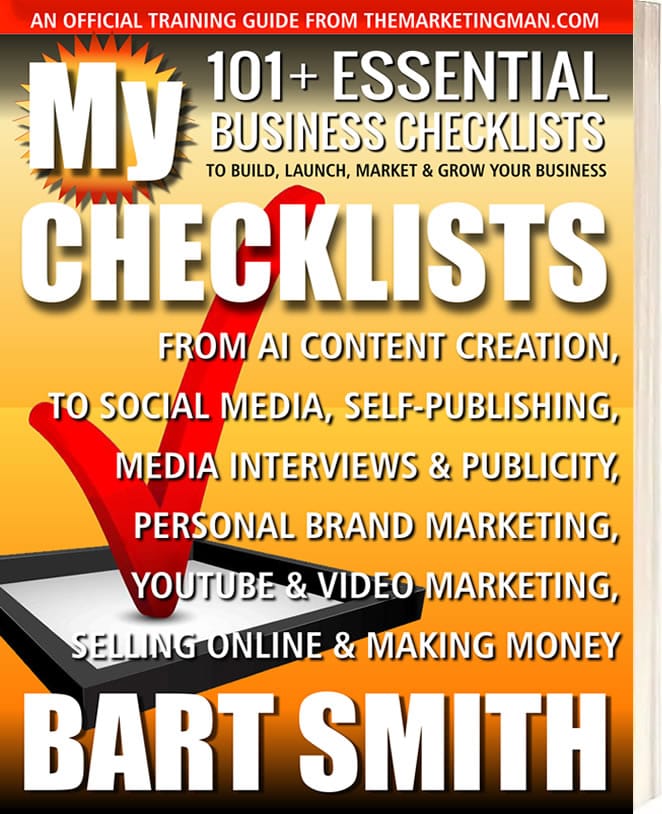
Excerpted and adapted from My Checklists book by Bart Smith
Reprinted by Permission
Short-form video has become one of the easiest ways for creators, entrepreneurs, authors, coaches, and business owners to share ideas, teach, entertain, and stay visible online.
Platforms such as YouTube Shorts, TikTok, Instagram Reels, and Facebook Reels give you the ability to reach people quickly with short, focused videos that are simple to watch and easy to share.
The biggest challenge usually isn't the camera. It isn't the editing software. It isn't even the platform.
It's coming up with enough ideas to keep creating.
That is why I keep a running list of video ideas. When you know what you can talk about, recording becomes much easier. You stop staring at the camera wondering what to say and start building a library of useful content.
Here are 20 short-form video ideas you can use to keep your content pipeline moving.
1. Quick Tips Related To Your Expertise — Share one useful tip your audience can understand and apply immediately. Keep it focused on one idea so the video stays clear and easy to follow.
2. Common Mistakes People Make — Point out a mistake you regularly see in your industry or area of expertise, then explain the better way to handle it.
3. Myth-Busting Videos — Take a common belief, assumption, or piece of bad advice and explain why it may be wrong, incomplete, or misunderstood.
4. Before-And-After Demonstrations — Show a clear transformation. This can be a physical result, a design improvement, a workflow change, a rewritten piece of copy, or any other visible improvement.
5. Fast Tutorials — Teach one small process from beginning to end. Short tutorials work especially well when the viewer can follow along in just a few steps.
6. Answer Frequently Asked Questions — Turn the questions people ask you repeatedly into videos. If one person is asking, chances are many others are wondering the same thing.
7. Mini Product Demonstrations — Show how a product, tool, service, or feature works. Focus on one benefit or use case rather than trying to explain everything at once.
8. Behind-The-Scenes Content — Give viewers a look at how you work, prepare, create, plan, package, record, write, build, or deliver what you do.
9. Personal Lessons Learned — Share something experience taugh at you. Personal lessons are useful because they combine practical information with a real story.
10. Short Educational Explanations — Choose one concept your audience needs to understand and explain it in simple language. Think: one topic, one takeaway.
11. Industry News Or Trends — Comment on a development in your field and explain why it matters to your audience. Keep the focus on what the viewer should know or do next.
12. Reaction Videos — React to an idea, headline, trend, quote, product, strategy, or piece of content and add your own useful perspective.
13. Motivational Insights — Share a short lesson, reminder, mindset shift, or piece of encouragement that helps people take action or stay focused.
14. Storytelling Clips — Tell a quick story with a clear point. A short beginning, challenge, lesson, and takeaway can make even a simple story memorable.
15. Day-In-The-Life Clips — Show a piece of your normal routine, workday, creative process, or business operation. These videos help audiences understand the person behind the content.
16. Tool Or Resource Recommendations — Recommend a tool, website, app, book, service, template, or resource that has helped you solve a problem or work more effectively.
17. Case Studies Or Quick Examples — Show a real or simplified example of how a strategy, tactic, process, or idea works in practice.
18. Audience Q&A Responses — Invite your audience to submit questions, then answer one question per video. This gives you a steady stream of topics based on what people actually want to know.
19. Quick Checklists Or Frameworks — Turn a process into a short list: three things to do, five questions to ask, four steps to follow, or a simple framework your audience can remember.
20. Repurpose Content From Longer Videos — Pull one useful idea from a longer video, webinar, interview, podcast, presentation, or training session and turn it into a short standalone clip.
A SIMPLE WAY TO USE THIS LIST
Don't try to create all 20 types of videos at once.
Pick three or four formats that feel natural to you and start there. You might decide to rotate between quick tips, FAQs, personal lessons, and behind-the-scenes clips. Once those become easy, experiment with a few more.
The goal is not to make every video perfect. The goal is to keep creating, learning, and discovering what your audience responds to.
One strong idea can also become more than one video. A single topic might become a quick tip, a short tutorial, an FAQ response, a story, and a checklist. That gives you multiple pieces of content without having to invent a brand-new subject every time.
A SIMPLE WAY TO USE THIS LIST
One of the fastest ways to improve at short-form video is to publish consistently for a set period of time.
For the next 30 days, try recording and publishing one short video per day. Keep the videos simple and use the ideas above so you never have to wonder what to create next.
Days 1-5: Share simple tips related to your expertise.
Days 6-10: Answer common questions your audience asks.
Days 11-15: Share personal lessons or insights.
Days 16-20: Demonstrate a process, tool, product, or example.
Days 21-25: Comment on industry topics, news, or trends.
Days 26-30: Experiment with storytelling, humor, new formats, or repurposed content.
The more videos you create, the more comfortable you become with your message, pacing, delivery, and style.
You do not need one viral video.
You need ideas, consistency, and the willingness to keep showing up.
FINAL THOUGHT
Short-form video becomes much easier when you stop waiting for inspiration and start working from a list. Keep these 20 ideas nearby. Add your own ideas as they come to you. Then choose one, press record, publish it, and move on to the next. Your next great video may already be sitting somewhere on this list.
(THIS CONTINUES IN THE BOOK)
# # #
WOULD YOU LIKE TO:
RETURN TO THE:
WOULD YOU LIKE TO:

Website Design by Bart Smith
© Bart Smith | All Rights Reserved